App Options
App Options are the settings an organization fills in when installing your app — API URLs, feature toggles, credentials. You declare them once, at the top level of the manifest, and every part of your app reads from the same set of values: components, functions, the API Proxy and Portal Extension hooks.
Options used to live on components
Earlier app versions declared options per component. That model is retired: all existing component options were migrated to app level, and the platform transparently keeps serving them to consumers that still read options from components. Declare new options only at the top level — deploys that declare an option on a component with the same key as an app-level option are rejected.
Declaring options
Add a top-level options array to your manifest.json:
{
  "name": "My Integration",
  "options": [
    { "key": "api_base_url", "label": "API Base URL", "type": "text", "required": true },
    { "key": "sync_enabled", "label": "Enable sync", "type": "boolean" },
    { "key": "api_key", "label": "API Key", "type": "secret", "required": true },
    { "key": "internal_hint", "label": "Routing hint", "type": "text", "sensitive": true }
  ],
  "components": [ ... ]
}
| Field | Required | Description |
|---|---|---|
key | ✓ | Unique identifier across the whole app. This is what you reference everywhere ({{Options.api_key}}, input.app_options.api_key, proxy auth) — treat it as a public contract |
type | ✓ | text, number, boolean, secret or object |
label | — | Human-readable label shown to the installing organization |
description | — | Help text shown below the input |
required | — | The app installs, but is marked partially successful and stays unusable until all required options are filled |
sensitive | — | Write-only, server-side only — see below. Always true for type: secret |
repeatable | — | The value becomes a list of entries (each gets a stable server-assigned id) |
fields | object type | Declares the sub-fields of an object option — primitives only, no nesting |
The installing organization sees all app options in a single App settings card on the app's configuration page.
Sensitive vs. non-sensitive
Every option is one of two kinds — the same model most hosting platforms use for environment variables:
- Non-sensitive (default) — readable wherever the app runs, including the end-customer's browser: journey blocks, portal blocks, capabilities. Use for URLs, labels, toggles, IDs.
- Sensitive — write-only and server-side only. The value is never returned by any read API. The installer sees Configured ✓ and when the value was last changed, and can replace it — but never read it back. Sensitive values only ever surface in server-side channels: API Proxy credential injection, Portal Extension / External Product Catalog hook templates, and function runs.
Options of type: secret are stored encrypted and are always sensitive. Set sensitive: true on a non-secret type for values that aren't credentials but still must not reach a browser (internal endpoints, routing hints).
Rule of thumb: if you would put it in a secret environment variable — API keys, tokens, client secrets — make it type: secret. If in doubt, mark it sensitive; you can't loosen a leaked value after the fact.
Required options
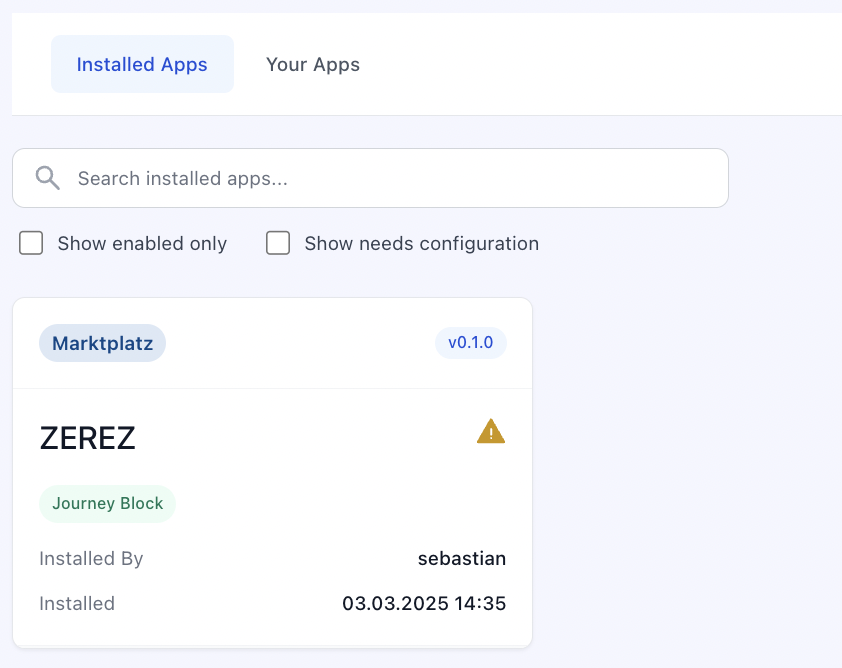
Marking an option required: true doesn't block the installation itself — the app installs, but is flagged as partially successful and cannot be used until the organization fills in all required values.
Consuming options
Where the configured values show up, by surface:
| Surface | How you access options | Sensitive values? |
|---|---|---|
| API Proxy | Reference option keys in the auth configuration — credentials are injected server-side | ✓ |
| Portal Extension / External Product Catalog hooks | {{Options.api_key}} template variables — resolved server-side when the hook fires | ✓ |
| Functions | input.app_options contains all option values — functions always run server-side | ✓ |
| Custom Journey Block, Custom Capability, Custom Page, Custom Portal Block (browser code) | Options are passed into your component per its surface contract | Non-sensitive only |
Anything that executes in a browser only ever receives non-sensitive options. There is no way to read a sensitive value from frontend code — route those calls through the API Proxy instead, which attaches the credentials server-side.