What is Development Mode?
tip
Development mode lets you see changes in real-time without creating new versions. Enable it during active development to skip the upload-install-test cycle.
Development mode is a feature that allows you to run your app in a local development environment. This mode enables you to see changes in real-time without having to update the app every time you make a change. It is particularly useful for testing and debugging your app during the development process.
How to Run in Development Mode
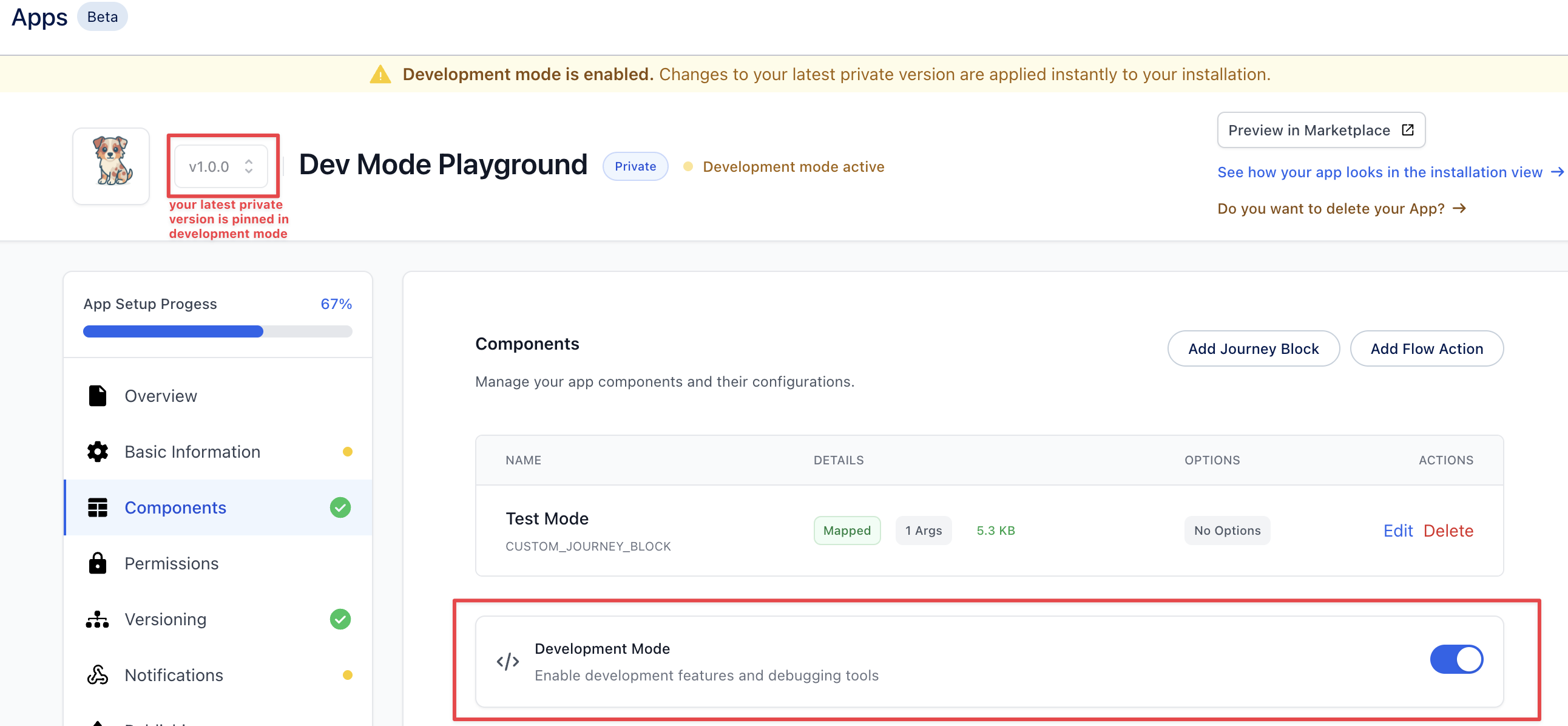
Head over to the components section and you will find a button to run the app in development mode.
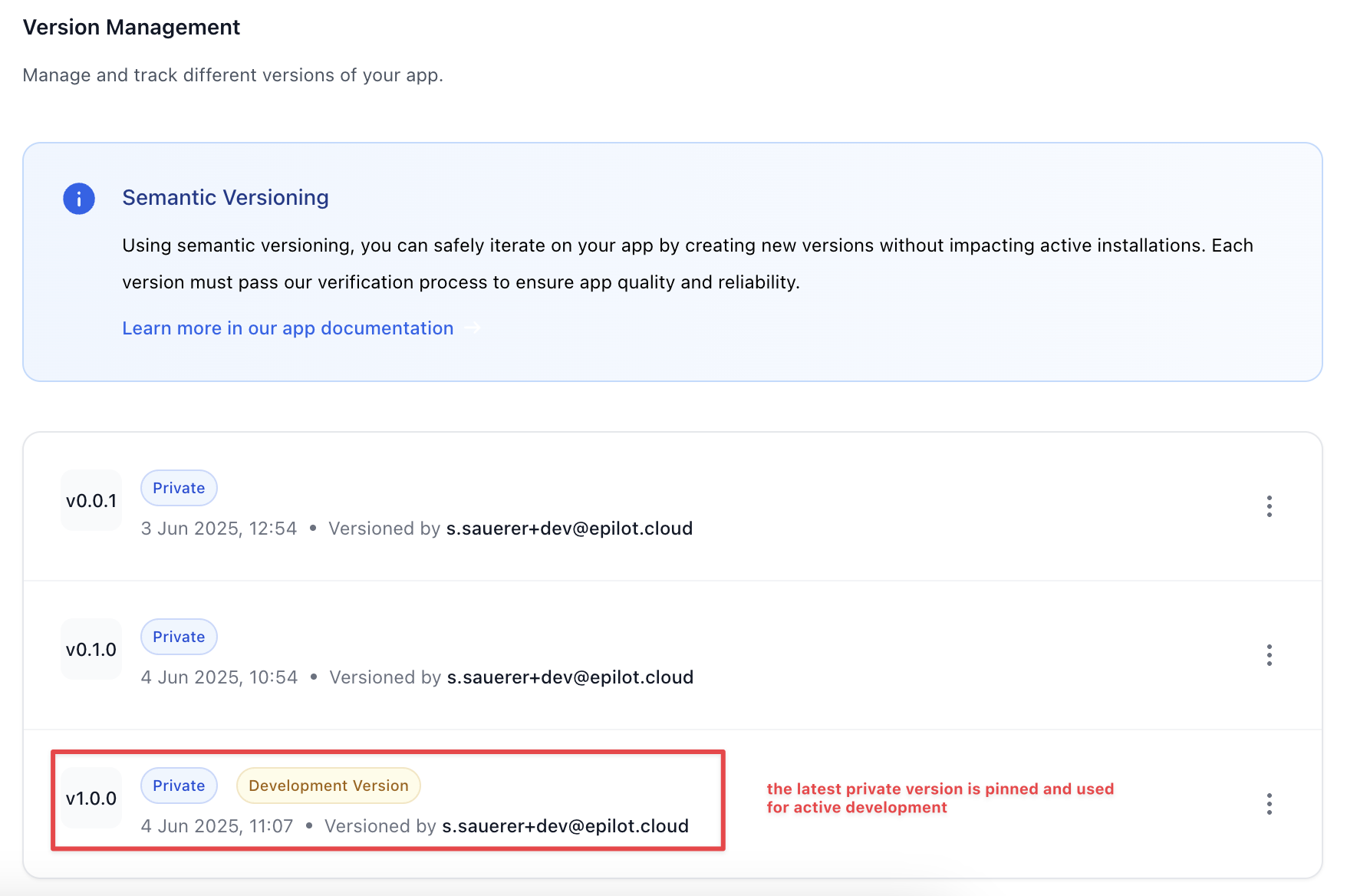
It enables development mode for the latest private version of your App. Once enabled, this particular version is pinned and cannot be changed. You can make changes and immediately see the results without reinstalling your App each time. With development mode enabled, you also have the ability to override certain component configuration values.
Custom Journey Block Overrides
With development mode enabled, you can override the component URL of your Custom Journey Block. This allows you to point the component to a local development server or any other URL where your component is hosted. This way, you can test changes in real-time without having to publish a new version of your app.

Now once you go into a journey to connect this custom block, you will see the component url is overridden with the one you provided in the development mode. This allows you to test your changes in the context of a journey without having to publish a new version of your app.