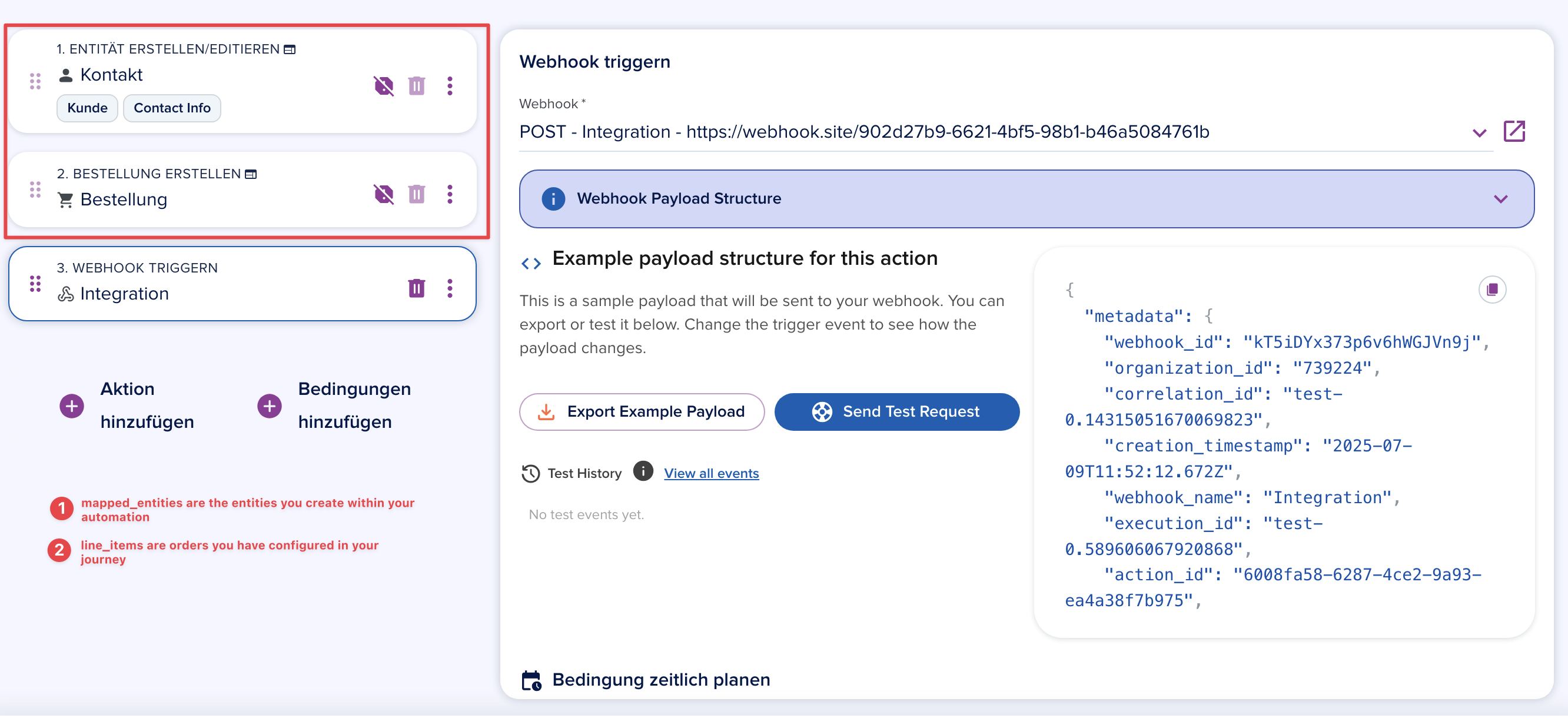
Automation Trigger Webhook
When you select the Automation Trigger Webhook event, the webhook fires from within an automation flow. The payload includes metadata, entity, and optionally relations and activity.
info
The entity object always contains the entity the automation was triggered on. For a Manual trigger: Contact, this is the contact. For an Entity update: Opportunity, this is the opportunity.
info
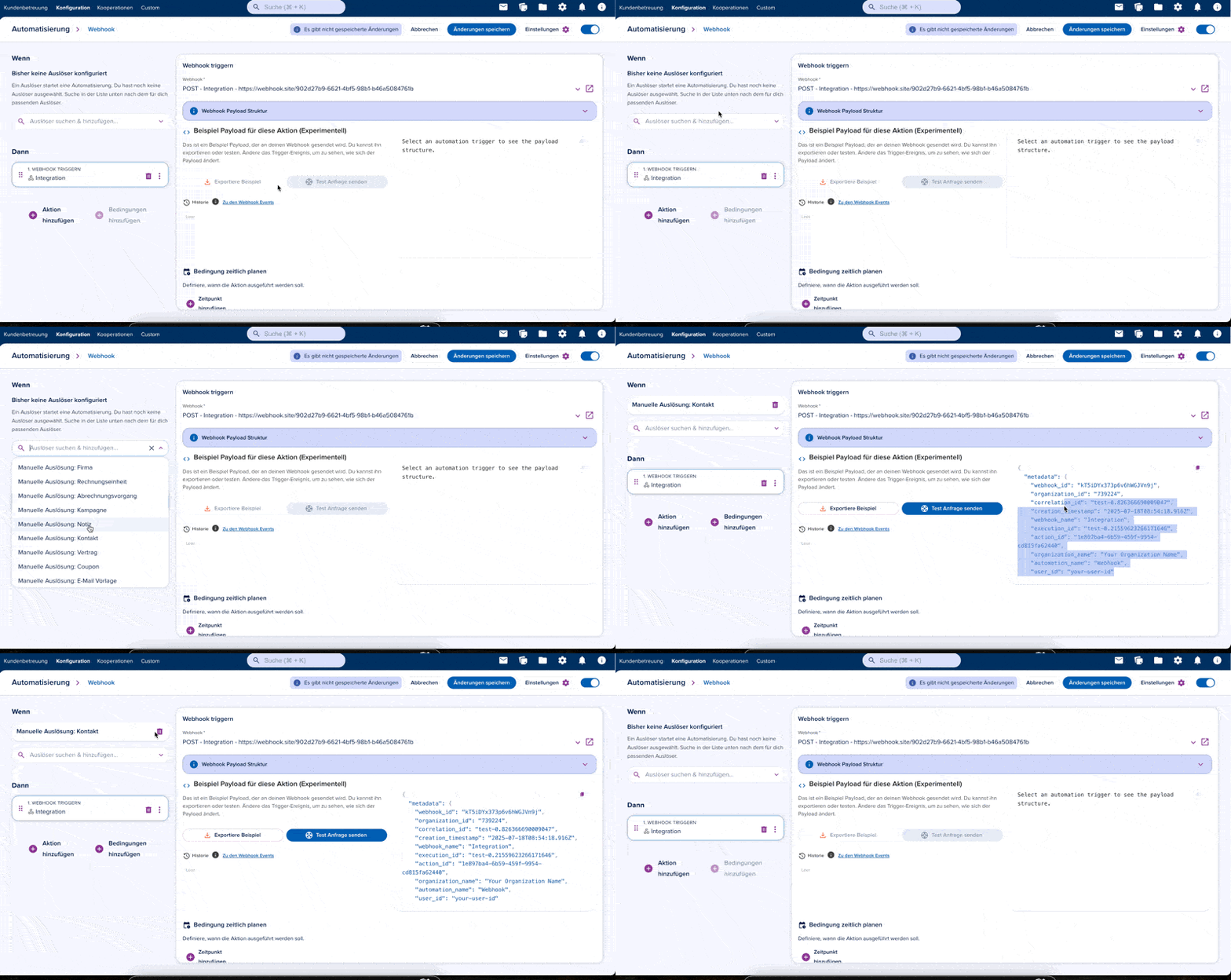
The example payload playground in the automation action view generates approximate payloads using the getSchemaExample endpoint. This is accurate for manual triggers but may differ for journey submissions, where the payload structure depends on the journey's blocks and configuration.
Currently there are 2 important trigger types for webhooks:
1. Manual Trigger / Entity Created | Updated
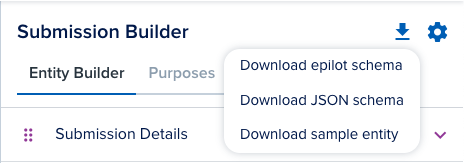
For triggers like Manual Trigger: Contact or Entity Created: Contact, the entity object contains the full contact entity data. To see the exact schema, export the JSON schema from the entity detail view in the epilot portal.
You can also use the Entity API to retrieve a JSON schema or a JSON example programmatically.
2. Journey Submissions
Journey submission payloads are generated dynamically based on the journey's block configuration. The raw submission data is mapped to entity schemas (contact, opportunity, etc.) during automation execution.
Key attributes in the submission payload:
mapped_entities— Array of entities created during the automation executionline_items— Array of orders configured in the journey